Help Center
AlphaTheta Help Center
/
DJ Controllers
/
DDJ-SR
/
Support
/
Connecting Devices & DJ Software
/
PC/Mac & DJ Software
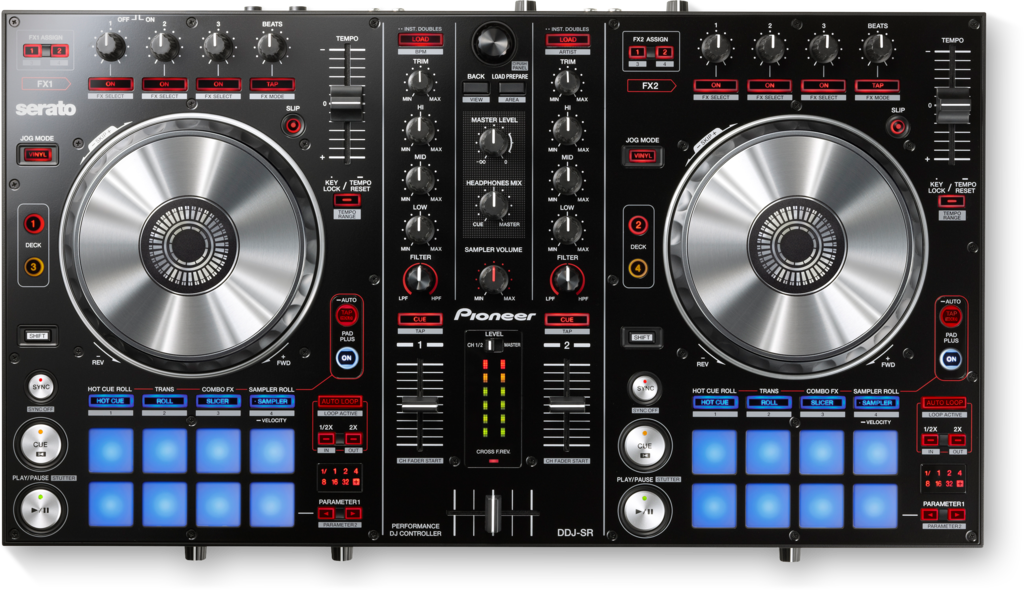
DDJ-SR
Archived
Articles
What are the system requirements (recommended operating environment) for Serato DJ?
Important notice to mac OS or OS X users.
Read this category first when you find any troubles.
Frequently asked questions:
Is an Internet environment (connection) required?
Can a PC or Macintosh computer with a performance below that indicated in the recommended specifications be used?
Is there a specific order for connecting the DDJ-SR's USB cable and launching Serato DJ? Can either be done first?
Can I use Serato Scratch Live?
What is the “Serato DJ” software?
Operation is possible with Serato DJ but the sound is not output (The DDJ-SR is not recognized as the audio device). The DDJ-SR is recognized by the computer.
Is Serato DJ compatible with the Serato ITCH, Scratch Live and Serato DJ Intro databases?
What are the differences between Serato DJ and Serato ITCH and Scratch Live?
Can I use Serato Video?
The DDJ-SR is not recognized by the computer.
When I connect the computer (Windows) and this unit (the DDJ-SR) by USB cable, launch Serato DJ then turn on this unit’s power, this unit is recognized for a second but the connection drops immediately.
It takes much time for the controller to be recognized by Serato DJ after the application is launched.
The message [Log in with the computer administrator’s account] appears and Serato DJ cannot be installed.
Find answers from our worldwide Community of expert fans
Visit the community