Help Center
AlphaTheta Help Center
/
DJ Players
/
CDJ-2000
/
Support
/
Connecting Devices & DJ Software
/
PC/Mac & DJ Software
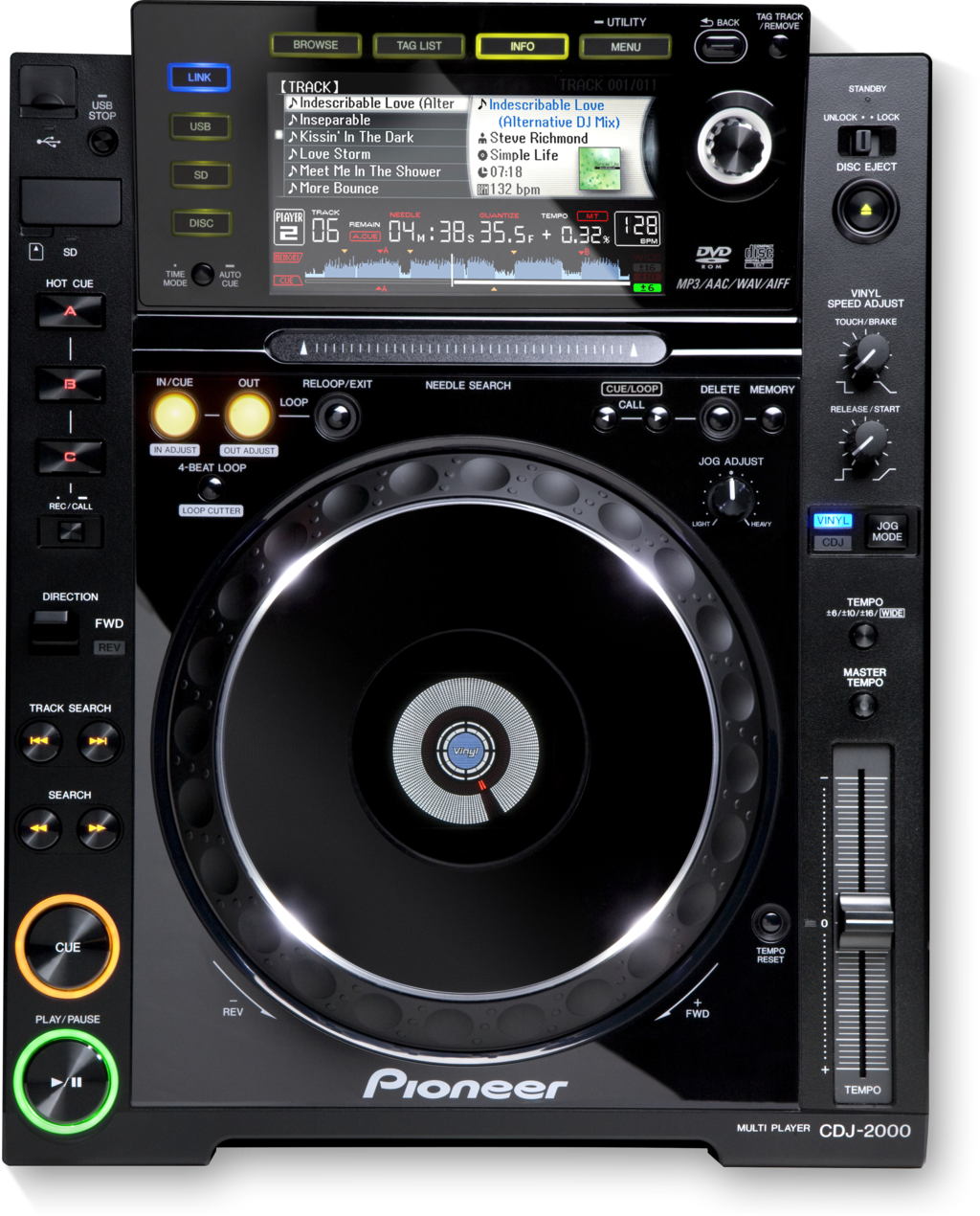
CDJ-2000
Archived
Articles
Do I have to install any driver software in order to control Scratch Live when connected to a CDJ-2000/900?
Important notice to mac OS or OS X users
When I try to use the link and USB audio (USB MIDI) functions simultaneously then select the computer, I cannot return to the selection screen when I press the BACK key.
What can be done by connecting the CDJ-2000 with a computer using a USB cable?
To connect to a computer, is it enough just to connect the USB cable?
What does it mean when you say "DJ software can be controlled without using a special control disc"?
Can the CDJ-2000 be used as a sound device?
Is it possible to use PC control (MIDI operations, etc.) while playing USB storage devices or CDs?
When other vender's DJ software is used with CDJ-2000/CDJ-900, is aditional soundcard required ?
What kind of software is Scratch Live?
How do you connect to a CDJ-2000 with Scratch Live?
What advantages are there to controlling Scratch Live with a CDJ-2000/900?
When I connect TRAKTOR and the CDJ-2000/CDJ-900, the deck to be controlled cannot be selected. When I press the LINK button, "PUSH TO CONNECT" appears on the CDJ-2000's display, but after I press the rotary selector, "Turn Encoder" is not displayed.
Can I use my CDJ-2000/900 as a Scratch Live audio output device?
Are the CDJ-2000 and 900 the only Pioneer products that can be connected to Scratch Live?
When I connect Scratch Live and the CDJ-2000/CDJ-900, some of the buttons don't work properly or the display is wrong.
When I connect Scratch Live and the CDJ-2000/CDJ-900, the deck to be controlled cannot be selected. When I press the LINK button, "PUSH TO CONNECT" appears on the CDJ-2000's display, but after I press the rotary selector, "DECK:1" is not displayed.
What is the "TRAKTOR" series of software?
How do I connect the TRAKTOR series with a CDJ-2000/CDJ-900/CDJ-400 or MEP-7000/SEP-C1 (hereafter referred to collectively as "CDJ")?
What are the advantages of controlling the TRAKTOR series with a CDJ?
Do I have to install driver software to connect the TRAKTOR series and control it from a CDJ?
Can I use a CDJ as the TRAKTOR series' audio output device?
Are the CDJ-2000 and CDJ-900 the only Pioneer products that can be connected with the TRAKTOR series?
When I connect TRAKTOR and the CDJ-2000/CDJ-900, some of the buttons don't work properly or the display is wrong.
Find answers from our worldwide Community of expert fans
Visit the community