Enlarged waveforms move at a different speed in each deck.
Follow the steps below to match the speed of the enlarged waveform to the tempo.
- Open [Preferences] > [DVS] tab and tick [The beat position intervals of the enlarged waveform are changed.]
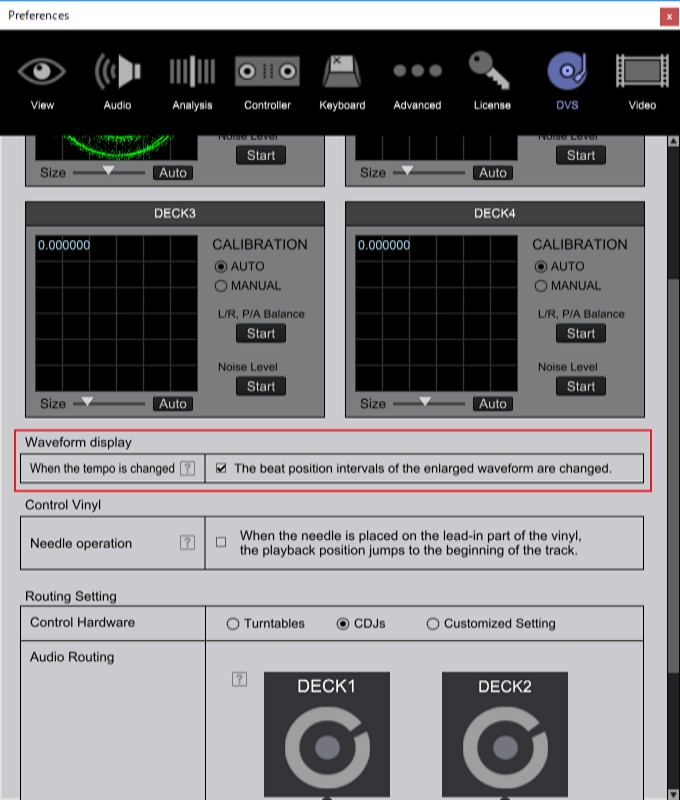
When using rekordbox ver. 5.0.1 or lower.
When DVS is enabled, the speed of an enlarged waveform is corresponded to the BPM of its track.
*DVS is enabled when [INT]/[REL]/[ABS] icon in a red frame below is shown.
[DVS is enabled]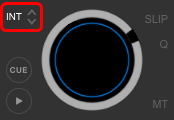
[DVS is disabled]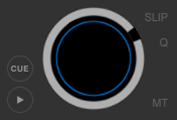
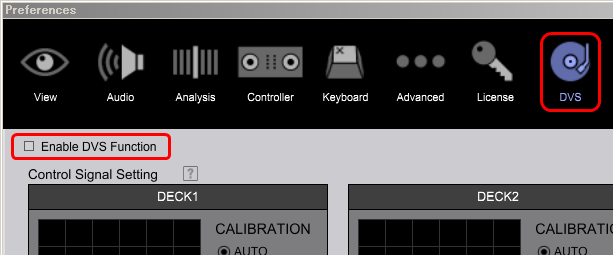
If you do not use DVS, follow the steps below to disable DVS.
- Open [Preferences] > [DVS] tab and untick [Enable DVS function].