
rekordbox froze when I canceled DJM-250MK2 firmware update. (No audio output when I canceled DJM-250MK2 firmware update.)
Click [Cancel] or [Close] on Updater Program launched from rekordbox.
Then the DJM-250MK2 returns to update mode*.
* MASTER LEVEL METER of the DJM-250MK2 blinks.
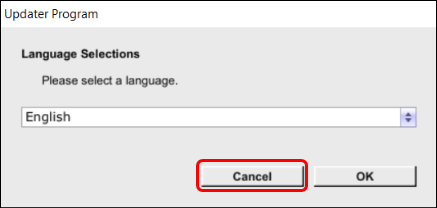
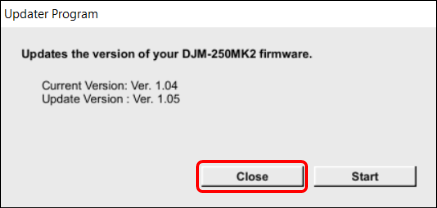
You can solve the issue by launching the DJM-250MK2 in normal mode.
Please follow the steps below.
Steps
- Close rekordbox.
For Windows
1. Press [Ctrl]+[Alt]+[Delete] and click [Task Manager].
2. Click [Processes] tub in Task Manager.
3. Window10 and 8.1: Click "rekordbox program file" and [End task].
rekordbox closes.
4. Click [X] button in Task Manager to close it.
For Mac
1. Press [command]+[option]+[esc] and click "rekordbox" in "Force Quit Applications" window.
2. Click [Force Quit].
3. ["Do you want to force "rekordbox" to quit?] message appears. Click [Force Quit].
rekordbox closes.
4. Click [X] button in "Force Quit Applications" window to close it.
- Turn off the power of the DJM-250MK2, then turn it on again.
- Launch rekordbox.
